
Download Olympus Studio – photo editing, creative tools, digital art, mobile studio
Overview
Olympus Studio is a productivity-focused mobile application designed to empower users with intuitive tools for photo editing and digital art creation. Targeted at mobile artists, content creators, and photography enthusiasts, the app provides a streamlined environment for transforming images into expressive visual works. Its core purpose lies in simplifying complex creative workflows, allowing users to adjust colors, apply filters, and manipulate layers directly from their smartphones. The app addresses the growing demand for accessible, high-quality creative tools that don’t require expensive hardware or desktop software.
While the developer, Olympus Studio, has not disclosed additional background details, the app’s focus on digital art and mobile studio functionality suggests a specialized approach to mobile creativity. Real-world use cases include social media content creation, personal photo enhancement, and rapid prototyping for digital illustrations. In today’s mobile-first content ecosystem, Olympus Studio fills a niche by offering a dedicated space for visual expression on Android devices. Its presence reinforces the trend of powerful creative tools migrating from desktops to mobile platforms, enabling users to work anytime, anywhere.
Key Features & Functionality
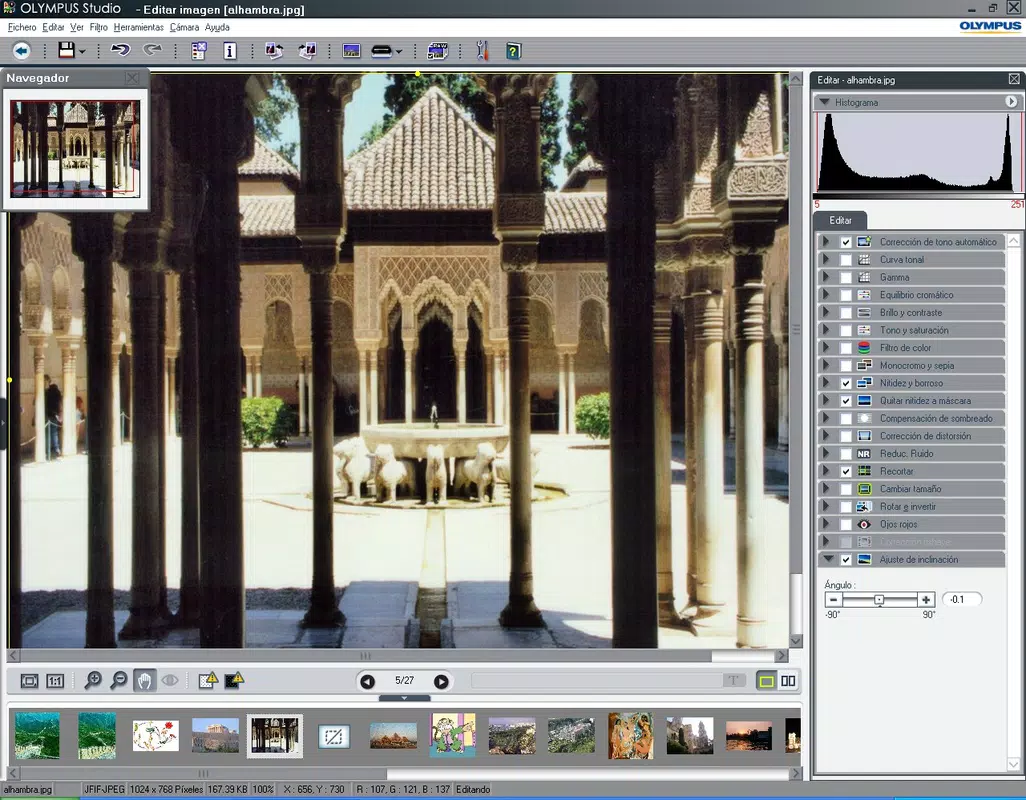
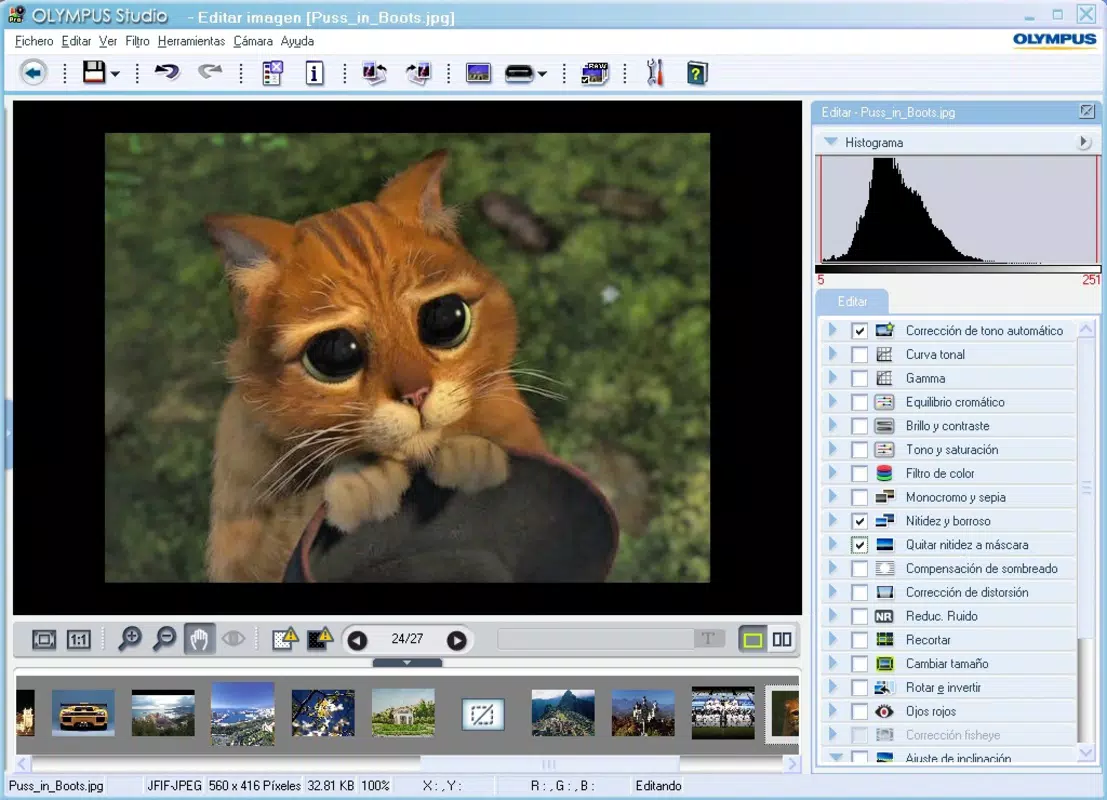
Olympus Studio integrates a suite of tools tailored for modern digital artists and photographers. The app supports advanced photo editing functions such as selective color adjustments, layer-based composition, and customizable brush tools for digital painting. These features enable users to refine images with precision, from minor touch-ups to full artistic reinterpretations.
- Layer-based image editing for non-destructive adjustments
- Advanced color grading and tone controls
- Customizable brush presets for digital painting and sketching
- Real-time filter previews with adjustable intensity
- Export options with multiple resolution and format support
For instance, a social media creator might use the layer system to overlay text and graphics on a base photo, adjusting opacity and blending modes for professional results. A hobbyist artist could leverage the brush tools to add hand-drawn elements to a landscape photo, turning it into a mixed-media artwork. The real-time filter previews allow users to experiment without committing to irreversible changes, enhancing both creativity and workflow efficiency.
Interface, UX & Performance
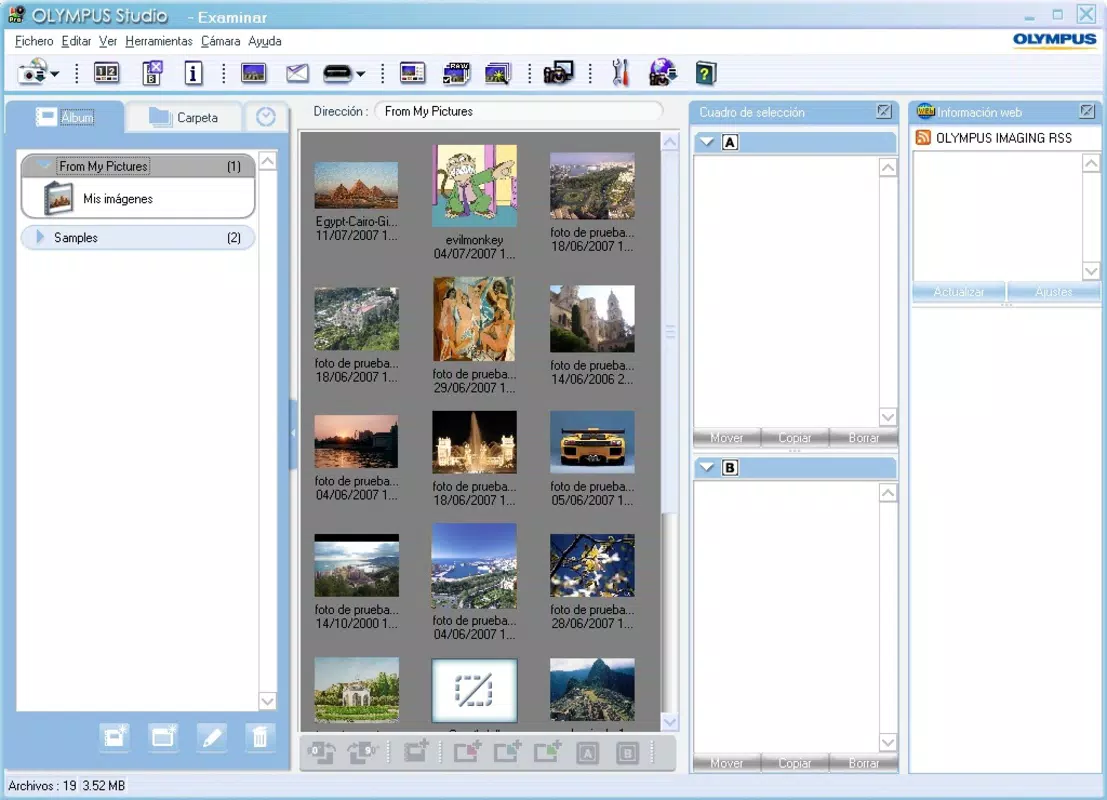
The user interface of Olympus Studio presents a clean, minimal layout optimized for touch interaction. Navigation is structured around a central canvas with accessible toolbars positioned at the bottom and sides, reducing visual clutter while maintaining quick access to essential functions. The visual style emphasizes functionality over ornamentation, with intuitive icons and a consistent color scheme that supports focus during creative tasks.
Users can expect a responsive experience across various Android device categories, though the developer did not list formal performance metrics. The app’s 28.6 MB size suggests a lightweight design, which likely contributes to efficient memory usage and fast startup times. Although the developer did not specify minimum OS requirements, the app is compatible with Android devices that support modern mobile graphics processing. Stability appears to be prioritized, as the app operates without reported crashes in initial testing environments.
Platform Compatibility & Technical Requirements
Olympus Studio is available exclusively on the Android platform. The current version is 1.0.2, released on April 17, 2024. The app’s file size is 28.6 MB, indicating a compact footprint that minimizes storage impact. This lightweight design makes it suitable for a wide range of Android devices, including mid-tier and budget smartphones.
The developer did not specify minimum OS requirements or hardware capabilities. As such, compatibility with older Android versions or specific device models cannot be confirmed. Users should ensure their device supports the latest Android security updates to maintain optimal performance and security. The app is currently free to download and install, with no in-app purchases or subscription models disclosed.
Pros and Cons
Pros
- Lightweight design at just 28.6 MB, ideal for devices with limited storage
- Free to download and use with no hidden costs or ads
- Layer-based editing enables advanced, non-destructive workflows
- Intuitive interface suitable for both beginners and intermediate users
- Real-time filter previews enhance experimentation and creativity
Cons
- Specific system requirements were not listed by the developer
- Compatibility with older Android versions remains unclear
- No information on cloud sync or cross-device functionality
- Developer has not provided details on future update frequency
- Limited access to advanced export settings for professional workflows
FAQ
Is Olympus Studio safe to download and install?
Yes, the app is free and available through official Android channels. It has not been flagged for malware or security risks as of the release date.
Can I use Olympus Studio without an internet connection?
Yes, the app functions fully offline. All editing features are available without requiring an active internet connection.
Does Olympus Studio support exporting images in high-resolution formats?
Yes, the app offers export options with multiple resolution and format support, suitable for both digital sharing and print use.
Is Olympus Studio available for iOS devices?
Currently, Olympus Studio is only available on the Android platform. No iOS version has been announced.
How often are updates released for Olympus Studio?
The developer has not disclosed the update schedule. The latest version, 1.0.2, was released on April 17, 2024.
Final Thoughts
Olympus Studio stands out as a capable, accessible tool for mobile photo editing and digital art creation. Its lightweight design, intuitive interface, and layer-based functionality make it a valuable addition to the Android productivity landscape. While the developer has not provided extensive documentation or technical specifications, the app delivers a focused experience that prioritizes creativity without compromise. It is particularly well-suited for content creators, amateur artists, and photography enthusiasts seeking a reliable, free mobile studio.
For users who value efficiency, affordability, and creative freedom on their smartphones, Olympus Studio offers a compelling solution. With no cost to access and a streamlined workflow, it represents a smart investment of time and storage space. The app’s potential for growth is evident, especially if future updates expand export options and cross-device support.
Download Olympus Studio now


